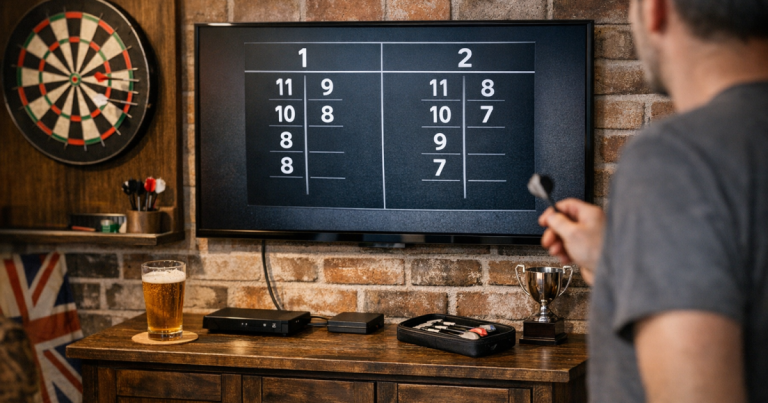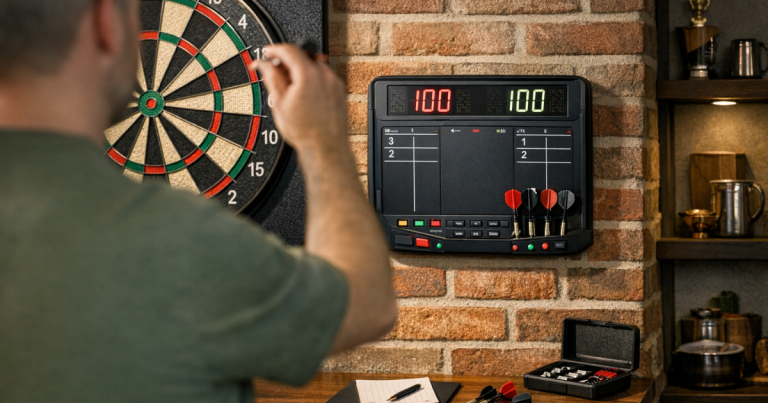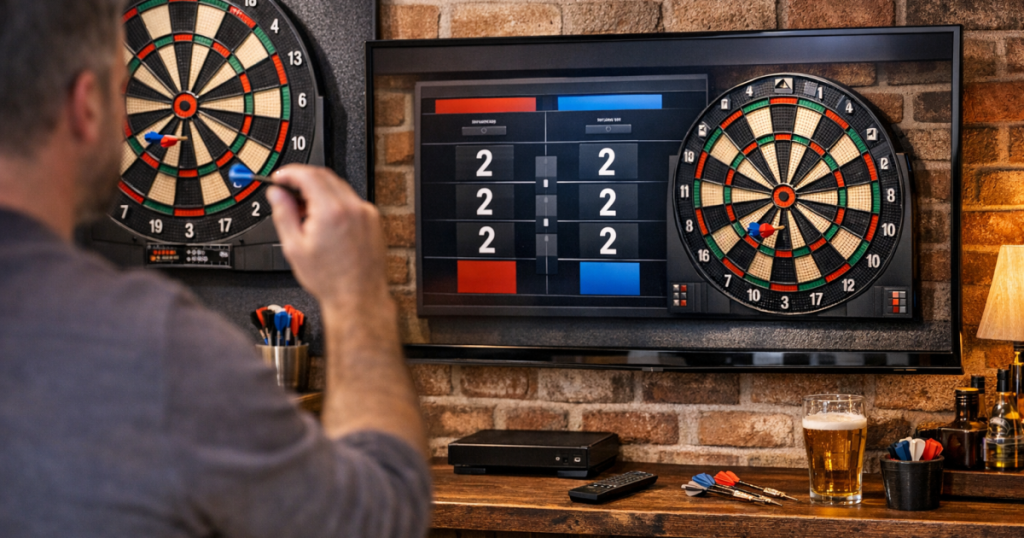
A phone propped against a speaker is fine for a quick leg, but it is not ideal when several players are trying to follow the match. Putting a darts scoring app on TV gives everyone a bigger, easier-to-read score without changing the rhythm of your home setup. The trick is choosing the right connection method and placing the screen where it helps rather than distracts.
Before you move furniture or run cables, think about the board wall, the throw line and where players naturally stand between visits. If the whole area is still being planned, it is worth checking where your dartboard sits before deciding where the TV or display should go.
The short version
- Use casting when your app, phone and TV all support it smoothly.
- Use screen mirroring when the app has no dedicated TV or cast mode.
- Use an HDMI adaptor or laptop connection when you want the most direct, stable display.
- Keep the scoring device close to the scorer, not beside the board.
- Place the TV so it is readable from the room but outside the throwing lane.
- Test brightness, reflections and Wi-Fi before a match night, not during one.
What you need before you start
You do not need a tournament-style scoreboard to make a home game feel organised. You do need a scoring app you are comfortable using, a TV or monitor with a suitable input, and a sensible way to get the phone, tablet or laptop screen onto the larger display.
Common scoring apps used by home players include DartCounter, My Dart Training and Russ Bray Darts Scorer. The exact display options vary, so check the app’s own settings rather than assuming it will cast, mirror or rotate into landscape mode. Some apps look excellent on a TV; others simply enlarge the phone screen, which can still be useful if the text is clear from the seating area.
For the display itself, a living-room TV, spare monitor or wall-mounted screen can all work. The most important checks are simple: can everyone see the remaining score, does the scorer have easy control, and does the screen avoid the direct line of throw?
Step 1: Pick the display method that fits your kit
There are three practical ways to display a darts scoring app on TV at home: casting, screen mirroring and a wired connection. None is automatically right for every setup, so choose based on the phone, app, TV and room layout you already have.
Casting
Casting sends supported content from your phone or tablet to the TV or a connected device. If the scoring app has a cast option and your TV supports it, this is usually the neatest arrangement because the scorer can keep the phone in hand while the TV shows the score.
If your TV does not have the right casting feature built in, a streaming device such as Google Chromecast with Google TV can be a simple route, provided your app and device support the display method you want to use. Always verify compatibility with your phone and scoring app before relying on it for a league-style evening.
Screen mirroring
Screen mirroring shows the phone or tablet screen on the TV. It is useful when the app does not have a dedicated cast mode, but it means everything on the device may appear on the TV while mirroring is active. Turn on Do Not Disturb, close anything private, and set the screen orientation before the first throw.
Devices such as Amazon Fire TV Stick 4K and some smart TVs support forms of mirroring, but support depends on your phone, TV and settings. Test it with the exact scoring app you plan to use, because a home screen mirror that works for photos will not always behave perfectly with every app.
Wired HDMI connection
A wired connection is less tidy but often more predictable. Depending on your device, you may be able to connect a phone, tablet or laptop to the TV using an HDMI cable and the correct adaptor. This is a good option if your Wi-Fi is unreliable in the darts room or you do not want the display to drop out mid-leg.
With a laptop, you can either mirror the screen or extend it, depending on the operating system and app. If the scorer is using a browser-based scorer, check that the text size remains readable when it is shown at TV distance.
Step 2: Position the TV around the throw, not the other way round
The TV should support the game without pulling players’ eyes away from the board at the wrong moment. A good position is usually to one side of the board wall or on an adjacent wall where it can be seen between visits. Avoid placing it directly behind the board if players will be tempted to look towards it while someone is throwing.
Keep cables away from the oche and walking route. If a cable has to cross the room temporarily, move the display method or route the cable along the edge of the space instead. Home darts areas often work best when the board, mat, scorer and seating each have a clear role rather than all competing for the same bit of wall.
If you are still marking out the lane, use the standard board and throw-line measurements as the starting point, then place the screen around them. Our guide to the throwing area and oche covers the practical room-planning side in more detail.
Step 3: Make the score readable from real playing positions
Do not judge readability while standing right in front of the TV. Stand where the next player waits, where the scorer sits, and where guests are likely to watch. You should be able to read the remaining score, legs and sets without squinting.
Increase text size in the app if the option exists. If not, try landscape orientation, a different browser zoom level, or moving the TV closer to the main viewing area. A bigger screen is not always better if it has to sit at an awkward angle; a modest monitor in the right place can be clearer than a large TV across the room.
Contrast matters too. White text on a dark background is often easier in a dim garage or spare room, while brighter rooms may need a higher screen brightness or a less reflective angle. Check the display under the lighting you actually use for darts, not just in daylight.
Step 4: Keep scoring control simple
The person entering scores should not have to walk to the TV after every visit. Keep the control device on a small table, shelf or stand near the scorer’s position. If you use a phone, make sure it is stable enough that quick taps do not knock it onto the floor.
Before play starts, check the basics: the app is on the right game format, player names are entered correctly, the device is charged enough for the session, and notifications are muted. If you are mirroring, remember that incoming calls or messages may be visible unless your settings prevent it.
For longer evenings, a tablet can be more comfortable for the scorer than a small phone, especially when entering three-dart totals repeatedly. If the app allows correction of mistakes, make sure the scorer knows how to undo an entry before the match gets competitive.
Step 5: Reduce dropouts, lag and awkward pauses
A TV scoreboard only feels useful if it updates reliably. For casting or mirroring, keep the phone or tablet on the same Wi-Fi network as the TV or streaming device, and avoid placing the router several walls away if your darts room is in a garage or extension. A weak connection may show up as delayed updates, frozen screens or sudden disconnections.
If you are using a streaming device such as Apple TV 4K, check the device input, TV source and network connection before players arrive. It is also worth restarting the scoring app before a longer session, particularly if it has been open all day.
For wired connections, the main issues are usually cable length and strain. Do not leave a phone dangling from an adaptor, and avoid stretching an HDMI cable across a walkway. If the best wired route creates a trip hazard, it is not the best route.
Step 6: Deal with glare and room lighting
Darts rooms often have strong board lighting, ceiling lights or daylight from side windows. That can make a TV scoreboard harder to read, especially if it is angled towards a bright fitting or glossy surface. Move around the room and look for reflections before settling on the final position.
Small adjustments can make a big difference: tilt the screen slightly, move a lamp, reduce a nearby reflection, or switch to a darker app theme if one is available. If glare is a recurring issue in your setup, the same principles used for reducing glare on a darts scoreboard apply to a TV display as well.
Example home setups that work well
- Living-room casual setup: phone running the scoring app, mirrored to the main TV, with the scorer sitting to the side of the sofa. Best when the board is temporary and the room is cleared before play.
- Garage or spare-room setup: tablet on a small scorer’s stand, casting or wired to a wall-mounted TV or monitor positioned away from the throw line. Best when the darts area is semi-permanent.
- Low-fuss wired setup: laptop on a side table connected to the TV by HDMI, with the scoring window enlarged. Best when Wi-Fi is patchy or several people are playing longer formats.
- Guest-friendly setup: phone or tablet kept with the scorer, TV angled towards the seating area, and the app set up before players arrive. Best for social nights where people want to follow the match without crowding the oche.
Pre-match checklist
- Open the scoring app and confirm the match format.
- Connect to the TV using your chosen method.
- Stand at the oche and check the TV is not distracting in your sightline.
- Stand in the waiting area and confirm the score is readable.
- Mute notifications on the scoring device.
- Check the device has enough charge for the session.
- Confirm Wi-Fi stability if casting or mirroring.
- Move cables away from feet, chairs and the throw path.
- Adjust brightness and angle to reduce reflections.
- Enter a few test scores and correct one deliberately so the scorer knows the controls.
Helpful questions
Can I display any darts scoring app on a TV?
Not always in the same way. Some apps cast neatly, some only mirror, and some are easier to show through a browser or laptop. Check the app’s own display options before match night.
Is casting better than HDMI for darts scoring?
Casting is tidier when it works reliably. HDMI is usually more direct and can be better in rooms with weak Wi-Fi, but it needs careful cable routing so it does not get in the way.
Where should the TV go in a home darts setup?
Place it where players and spectators can read it between visits, not where it sits in the thrower’s direct line of sight. Side walls and adjacent walls often work better than the board wall.
Will mirroring show my phone notifications on the TV?
It can. Use Do Not Disturb, close private apps and check notification settings before mirroring your phone or tablet during a game.
What if the score is too small to read?
Try landscape mode, app display settings, browser zoom, a closer screen position or a higher-contrast theme. Test from the actual seating and waiting positions, not from beside the TV.
Key takeaways
A TV display works best when it is treated as part of the darts area rather than an afterthought. Choose a connection method that suits your app and room, keep control with the scorer, and place the screen where it is easy to read without interrupting the throw.
Once the basics are set, the biggest improvements usually come from small checks: better angle, fewer reflections, a stable connection and a clear scoring routine. Get those right and a bigger scoreboard can make casual legs, practice games and home match nights feel much smoother.