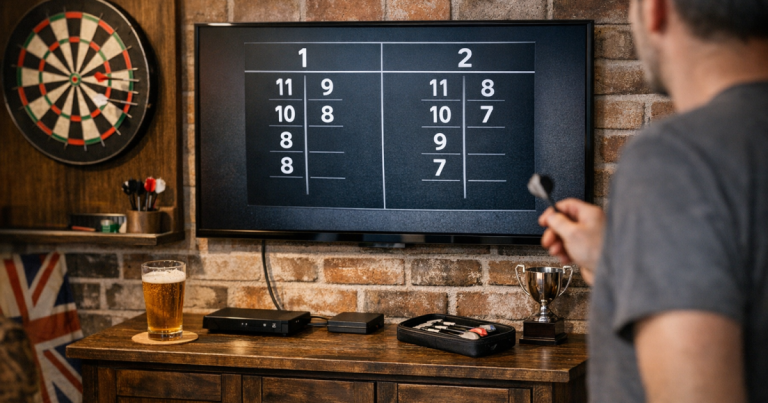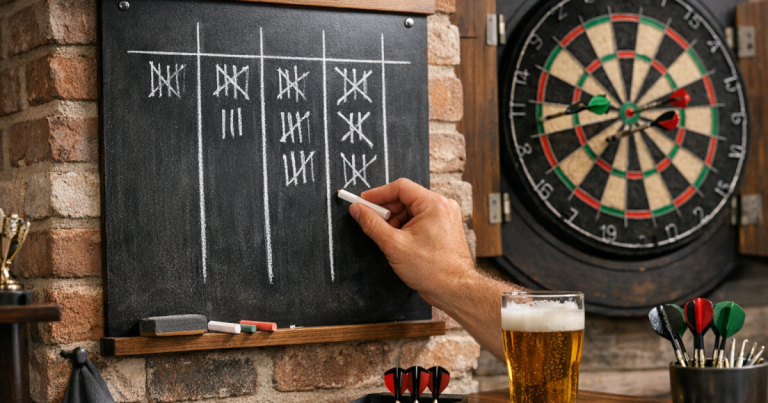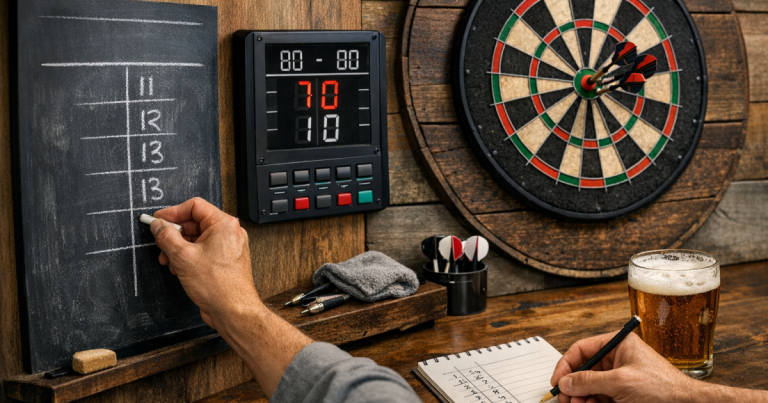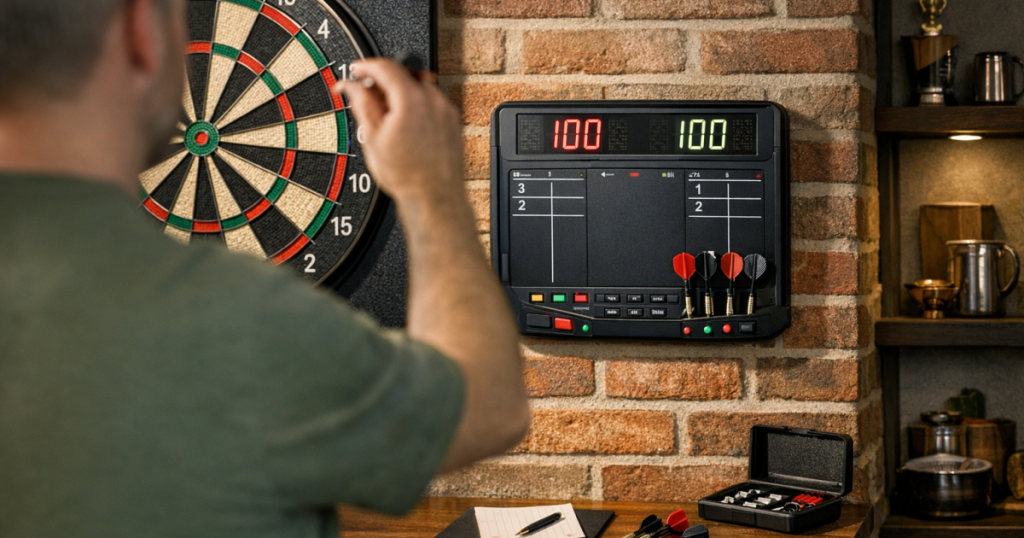
A tidy scoring area makes home darts feel more organised without turning the room into a pub corner. An electronic darts scoreboard is usually easiest to use when it is placed where both players can see it, powered cleanly, and set up with the game format before anyone starts throwing.
The aim is simple: keep the focus on the board, the oche and the match, not on correcting scores every visit. The steps below work for wall-mounted scorers, tablet-style scorers, cabinet-side displays and scoring apps shown on a dedicated screen.
The short version
- Position the scorer where it is visible from the throw line and safe from stray darts.
- Decide whether players will tap in scores themselves or use a caller/scorer during matches.
- Set the game type, starting score, legs, sets and checkout rules before the first visit.
- Test the display from the oche, then check it again from the side where the waiting player stands.
- Keep power leads and charger cables away from the throwing lane and foot area.
Step 1: Decide what kind of digital scoring setup you are using
Before mounting or placing anything, be clear about the scoring method. A dedicated electronic scorer normally sits beside the board or on a nearby shelf. A tablet or phone running a scoring app can do the same job, provided the screen is large enough and the controls are easy to reach. Some soft-tip electronic boards include scoring as part of the board itself, which changes how much extra equipment you need.
If your scoring is built into the board, it is worth understanding the board’s own scoring behaviour and setup needs before adding another screen. The differences are covered in more detail in Electronic Dartboards Explained: Scoring, Features and Setup Needs.
For steel-tip home setups, the most common arrangement is a standard bristle board with a separate scoring device. That keeps the board simple while giving you leg totals, checkout prompts and match history if your chosen scorer supports them.
Step 2: Put the screen in the right place
The best position is close enough to the board to feel part of the playing area, but not so close that it risks being hit by a bounce-out or a badly dragged dart. For most home players, a side position works better than placing the scorer directly beneath the board.
Stand at the oche and check whether you can read the score without stepping forward. Then stand where the second player waits. Both players should be able to see the remaining score, current visit and legs without crowding the thrower.
Good positions often include:
- On the cabinet door, if the display is protected when the cabinet is closed.
- On a small wall shelf to the side of the board.
- On a tablet stand placed outside the throwing path.
- On a nearby unit, provided players do not have to walk across the oche to enter scores.
Avoid placing a touch screen where every score entry interrupts the player who is about to throw. In casual games, it is less annoying if the scorer is just beside the waiting area rather than in the active throwing space.
Step 3: Set the board area first, then add the scorer
A scoreboard cannot fix a poor playing layout. Check the basics before deciding the final scorer position: the bull should be at regulation height for your format, the oche should be measured from the face of the board, and the mat or throw line should not move during play. For a standard steel-tip setup, the bull is commonly set at 1.73 m from the floor and the oche at 2.37 m from the board face.
Once the board and oche are settled, add the scorer to the layout. This prevents the common problem of mounting a screen neatly, then realising it is hidden by an open cabinet door, blocked by a player’s shoulder, or too far away to read under match lighting.
Step 4: Choose who enters each score
Electronic scoring works best when everyone knows the routine. In a two-player casual leg, the player who has just thrown can enter their visit score before collecting darts. In a more competitive home match, a third person can act as scorer, or the waiting player can enter scores if both players agree.
Whichever method you use, keep it consistent throughout the match. Changing between self-entry and opponent-entry is where mistakes creep in, especially during 501 when a missed treble or accidental bounce-out changes the required checkout.
If you are still getting comfortable with the flow of 501, it helps to review how to score 501 on a darts scoreboard so the electronic version follows the same logic as a manual chalkboard or whiteboard.
Step 5: Set the game format before the first throw
Do the boring setup before the darts come out. Confirm the starting score, number of players, legs, sets and checkout rules. For 501, decide whether you are playing straight start or double start, and whether the leg must finish on a double. Most home matches use straight start and double finish, but the scorer only helps if it matches the rules you are actually using.
For practice sessions, consider using one simple mode and sticking with it for the evening. Constantly switching between 301, 501, cricket-style games and around-the-board practice can be useful, but it also increases the chance that someone forgets which rules are active.
Step 6: Test visibility, touch access and lighting
Run a quick mock leg before your first proper match. Enter a few typical scores such as 60, 81, 100 and 140, then check whether the remaining total is easy to read. If the display is bright but reflective, adjust the angle slightly rather than increasing room lighting until the board face becomes washed out.
Touch access matters too. A tablet flat on a low table may look tidy, but repeated bending becomes irritating over a long session. A wall-mounted scorer may look professional, but it should not force players to reach across the dartboard area. Comfortable scoring usually beats a perfectly symmetrical layout.
If you use dedicated dartboard lighting, check the scoreboard after the light is on. A bright ring light or overhead bar can improve the board while creating glare on a nearby screen. Shift the display a little to the side if reflections make the numbers harder to read.
Step 7: Keep cables out of the way
Many scoring problems are not technical; they are practical. A charger cable hanging down beside the board looks untidy, and a lead trailing near the oche can be annoying during play. Route cables along the wall edge where possible, and leave enough slack that the device is not pulled if someone brushes past.
For temporary setups, use a repeatable routine: place the stand, connect the charger, tuck the cable back, then check the oche area before play starts. For a fixed setup, neat cable clips or trunking can make the scoring area look more intentional. For a more detailed approach, see how to tidy scorer cables around a dartboard.
Step 8: Make score correction part of the routine
Even with electronic scoring, mistakes happen. Someone taps 95 instead of 85, forgets a dart fell out, or enters a score before checking all three darts properly. Agree a simple correction rule before play: confirm the score while the darts are still in the board, correct errors immediately, then move on.
Do not wait until the next visit unless everyone has clearly seen the mistake. Once darts have been pulled and the next player has thrown, arguments become harder to settle. A short pause for confirmation keeps the match friendly and avoids the scoreboard becoming the centre of attention.
Small setup tweaks that make a big difference
- Turn off screen sleep settings for the duration of the match if you are using a phone or tablet.
- Use larger display text where the scoring system allows it, especially in longer rooms.
- Keep the scorer away from drinks, chalk dust and loose accessories.
- Clean the screen before match night so missed taps are less likely.
- Keep a manual backup nearby, such as a small whiteboard, for longer sessions.
The best electronic scoring setup is the one people forget about once the match starts. If scores are visible, entry is simple and the device is not in the throwing lane, the system is doing its job.
FAQ
Can I use a tablet as an electronic darts scoreboard?
Yes. A tablet can work well if it has a clear screen, stable stand and simple score-entry layout. Place it to the side of the board rather than on the floor or in the throwing path.
Where should the scoreboard go in a small room?
Put it on the side used by the waiting player, close enough to read from the oche but far enough from the board to avoid stray darts and bounce-outs. Wall shelves and cabinet-side positions usually work well.
Do I still need to know manual scoring?
Yes, at least for basics such as busts, double finishes and checking remaining totals. Electronic scoring is useful, but players should still understand what the scorer is calculating.
What should I do if the score is entered wrongly?
Correct it before the darts are removed where possible. If the next player has already thrown, agree the correction calmly using what both players clearly remember from the previous visit.
Final thoughts
A good digital scorer should make home darts smoother, not more complicated. Start with a safe, readable position, set the match format before play, keep the cable route tidy and agree who enters each visit. Once those basics are sorted, electronic scoring becomes one of the simplest upgrades for relaxed, accurate home matches.