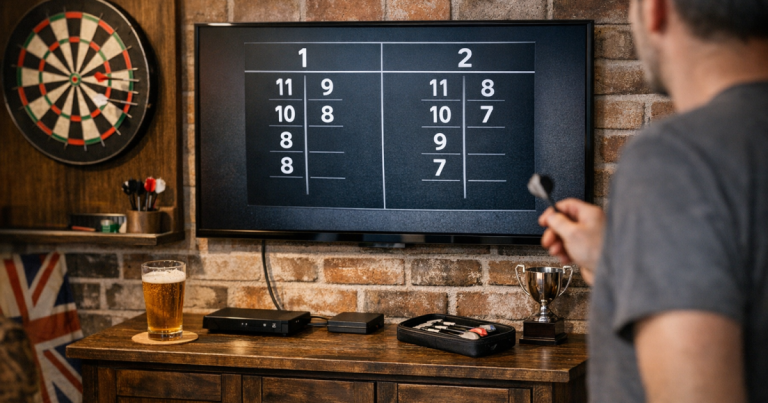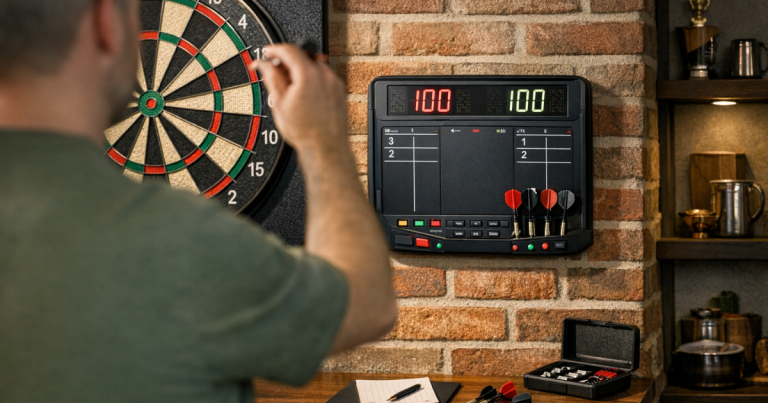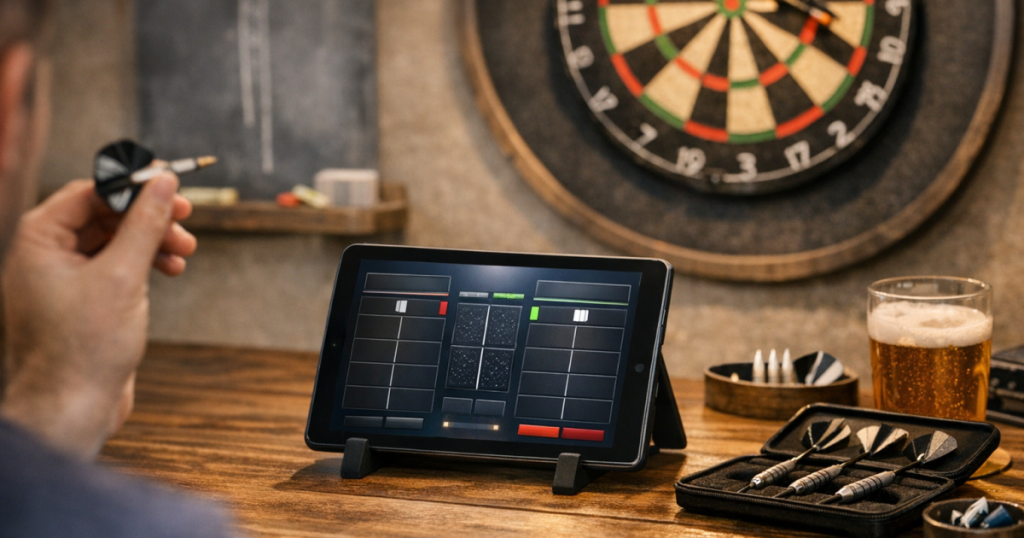
A tablet darts scoreboard can make a home setup feel neater, quicker and less cluttered than a wall full of paper sheets. It is especially handy if you play 501, practise checkouts, or host casual nights where nobody wants to keep wiping and rewriting names.
The main job is not just choosing a scoring app. You need the screen in the right place, a simple input routine, and a backup plan so the match keeps moving when hands are full, lighting is awkward, or someone forgets to tap in a score.
The short version
- Use a tablet with a bright, readable screen and keep it outside the throw path.
- Place it near the oche, not beside the board, so players can enter scores after throwing without walking across the room.
- Choose a scoring method that supports the games you actually play, such as 501, cricket, killer or practice routines.
- Turn off distractions, increase screen brightness and stop the screen going to sleep during a leg.
- Keep a marker board, notepad or printed scoresheet nearby for nights when the tablet is being charged or borrowed.
Step 1: Decide what the tablet needs to do
Start with the games rather than the device. A simple household tablet is often enough if you mainly play singles 501, but a busier home darts night can need more from the scoring setup.
Think through your normal use:
- Casual 501: quick score entry, leg and set tracking, and clear player names matter most.
- Checkout practice: the scoring method should make it easy to reset legs and track repeated attempts.
- Pairs or groups: check that adding players is simple and that the order of throw is obvious.
- Mixed games: if you swap between 301, 501, cricket or killer, make sure the scorer supports those formats before relying on it.
Do not assume every darts scoring app or browser scorer works the same way. Check whether it works without a login, whether it needs an internet connection, how it handles mistakes, and whether the free version covers the games you want to play. Those checks matter more than fancy visuals.
Step 2: Pick a safe and readable position
The tablet should be close enough to use after each visit, but not so close that it becomes a target for bounce-outs, stray darts or elbows. For most home setups, the best position is beside or just behind the oche line, on the non-throwing side of the player if space allows.
A small side table, shelf, cabinet top or stable tablet stand can work. A freestanding stand such as Lamicall Tablet Stand is the sort of accessory some players use on a nearby surface, but the exact choice is less important than stability. The tablet should not wobble every time someone taps a score.
Avoid putting it:
- directly below the dartboard, where bounce-outs and dropped darts are more likely;
- on the floor, where it can be kicked or stepped on;
- in front of the thrower, where it distracts the aim line;
- on a loose stool that can tip when someone leans in to enter a score.
If your oche area is still being set up, get that sorted first. A clear throw line makes the scoring station easier to place, and this guide to marking a temporary oche without damaging flooring is useful if you play in a rented home, spare room or shared family space.
Step 3: Set the screen up for match use
A tablet used for scoring should behave differently from a tablet used on the sofa. Before play starts, spend two minutes making it match-ready.
- Increase brightness: the score should be readable from the oche without squinting.
- Turn on do-not-disturb mode: notifications break concentration and can cover the scoring area.
- Extend the screen timeout: the display should not go black halfway through a leg.
- Clean the screen: finger marks become more obvious under dartboard lighting.
- Open the scorer before the first throw: do not make players wait while someone searches menus.
If the tablet is shared with family, create a quick routine: charge it before darts night, open the scoring page, set brightness, and place it in the same spot every time. Consistency is what makes the setup feel natural rather than fiddly.
Step 4: Make score entry part of the rhythm
The smoothest home games use a fixed scoring habit. After each three-dart visit, the player steps back, says the score aloud, enters it, and the next player throws. That simple pattern prevents arguments and avoids rushed taps.
For a two-player leg, the thrower can usually enter their own score. For groups, it can be cleaner to nominate one scorer for the leg, especially if players are holding drinks, chatting, or swapping darts. The scorer should repeat the entered score aloud before confirming it. That one-second check catches most mistakes.
If someone enters 85 instead of 95, correct it immediately rather than trying to remember three visits later. Digital scoring is convenient, but it is not magic; the quality of the record still depends on a calm routine.
Step 5: Think about lighting and glare
Glare is the quiet problem with tablet scoring. A screen that looks fine before the match can become hard to read once the board light, ceiling light and room reflections all meet at the same angle.
Test the tablet from three positions: standing at the oche, sitting nearby, and leaning in to enter a score. If reflections are strong, rotate the tablet, move it slightly to the side, or lower the brightness of nearby decorative lighting. Do not dim the dartboard just to help the tablet; the board still needs to be the clearest object in the room.
If you are planning a fuller setup, it helps to understand the different lighting areas around the board and player space. The breakdown of dartboard lighting zones explains how board, oche and surrounding light interact in a real home room.
Step 6: Keep the scoring station tidy
A tablet becomes annoying when it has nowhere to live. Cables, darts cases, flights and drinks all tend to gather in the same small area, so give the scoring station a clear job.
- Keep the tablet on one side and drinks on another surface.
- Use a short charging cable only when needed, not stretched across the floor.
- Store spare flights, shafts and points away from the screen.
- Keep a microfibre cloth nearby for fingerprints.
- Put the tablet away after play, especially if children or pets use the same room.
If you use a shelf or cabinet for accessories, the tablet can sit there between legs, but avoid balancing it against loose dart cases. A stable, repeatable location is better than a clever one.
Step 7: Have a low-tech fallback
Even a well-prepared screen scorer can be unavailable. The tablet might be flat, someone may need it for something else, or the chosen scoring page might not load. A fallback keeps the evening moving.
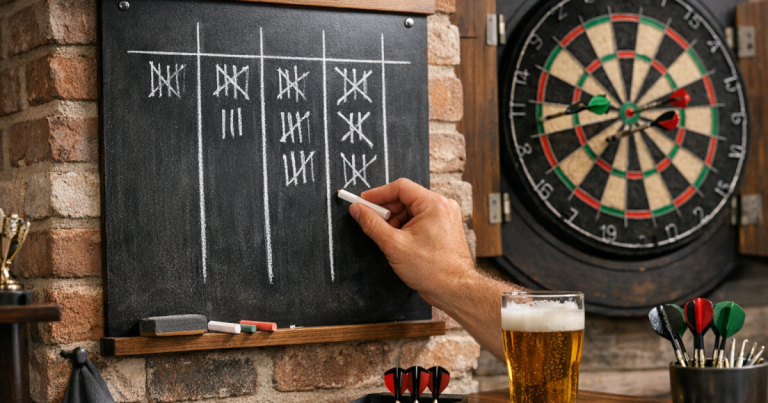
A dry-wipe board beside the dartboard or near the oche is still useful, even if it is no longer your main scorer. It also helps when teaching newer players because they can see the arithmetic rather than relying completely on automatic subtraction. If smearing is the reason you stopped using one, the advice on stopping a dry-wipe darts scoreboard smudging can make it a much better backup.
Printed checkout charts can also sit near the tablet. They reduce tapping around mid-leg and help newer players choose sensible routes without slowing the game down.
Good tablet scoring habits for home matches
Once the setup is working, a few house rules make it feel fair and relaxed:
- Say the score before entering it: this gives the other player a chance to spot a miscount.
- Do not tap while someone is throwing: screen movement and chatter can distract at the oche.
- Agree how busts are handled: make sure everyone knows when to press confirm, undo or reset.
- Keep the tablet neutral: place it where both players can check the score without crowding the thrower.
- Reset cleanly between legs: check names, starting score and throw order before the next leg begins.
Used well, a tablet darts scoreboard should fade into the background. Players should notice cleaner scoring and fewer disputes, not spend the night talking about the device.
FAQ
Can I use any old tablet for darts scoring?
Yes, provided the screen is readable, the battery lasts through your session, and the scoring method runs reliably. An older tablet is often fine for home 501 and practice.
Is it better to put the tablet near the board or near the oche?
Near the oche is usually better. Players can enter scores after throwing without walking towards the board, and the tablet stays further away from bounce-outs.
Should one person score or should each player enter their own score?
For casual singles, each player entering their own score works well. For groups or noisier nights, one nominated scorer keeps the leg tidier.
Do I still need a dry-wipe scoreboard?
You do not need one for every match, but it is a sensible backup. It also helps newer players practise counting and checkout maths.
What is the biggest mistake with tablet scoring?
Putting the tablet wherever there is a spare surface. Position matters: it should be stable, readable, away from darts, and easy to reach after each visit.
Main lessons
Using a tablet as a darts scoreboard works best when it is treated as part of the room setup, not just another gadget. Get the oche position right, keep the screen away from the board, control glare, and agree a simple scoring routine before the first dart is thrown.
The result is a cleaner, calmer scoring system that suits casual legs, practice sessions and friendly home competitions without needing to turn the room into a pub-style setup.