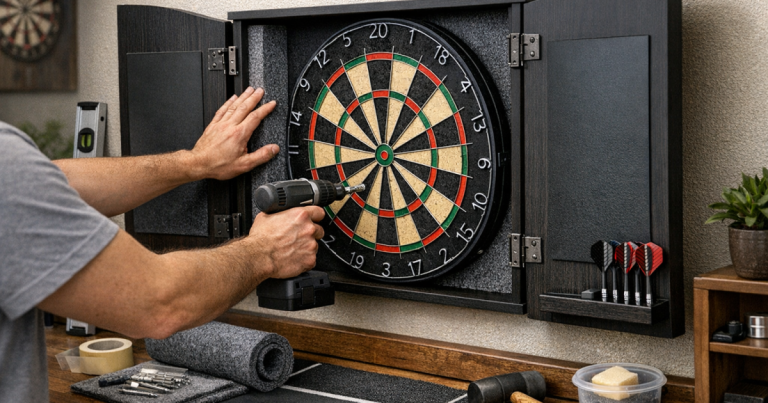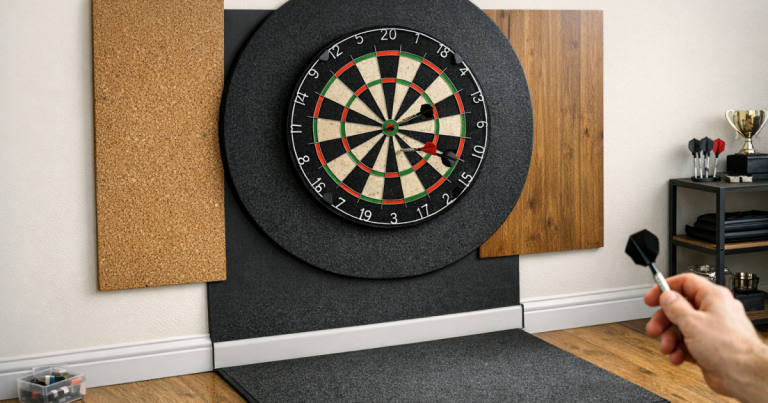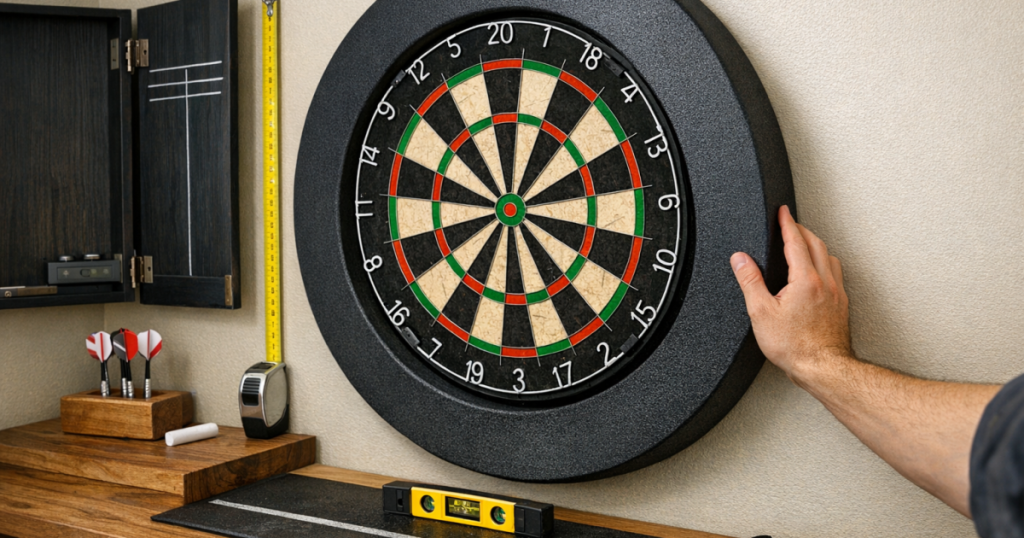
A surround should protect the wall, not steal your scoring area. The aim when you fit a dartboard surround is to have the inner edge sit around the outside of the board without pushing forward, sagging, or creeping over the doubles.
Most problems come from a board that is not fully seated on its bracket, a surround that has not relaxed into shape, or a cabinet, wall backing, or lighting setup that crowds the outer wire.
The short version
- Make sure the dartboard is mounted flat and firmly before adding the surround.
- Use a surround made for a standard full-size bristle dartboard, and check the manufacturer’s compatibility notes.
- Let foam surrounds reach room temperature before fitting, as cold foam can sit stiffly and unevenly.
- Work around the board evenly rather than forcing one side into place first.
- Stand at the oche and check that every double segment is fully visible before you start playing.
Why surrounds end up covering the doubles
A dartboard surround normally grips the outside edge of the board. It should not sit on top of the playing face. When it covers the double ring, something is usually forcing the surround forward or out of shape.
The common causes are simple: the board is not seated properly on its wall bracket, the surround is slightly twisted, the board is recessed inside a cabinet, or the wall surface behind the board is uneven. A tight new foam surround can also look wrong at first if it has been stored folded, compressed, or cold.
Before blaming the surround, check the dartboard itself. If the board rocks, leans, or sits proud on one side, the surround will follow that angle. For a solid starting point, especially on harder surfaces, the fixing method matters; the guide on mounting a dartboard on a brick wall is useful if your board is not sitting confidently in place.
Step 1: Check the board is flat before fitting anything
Remove any darts, take a step back, and look at the board from straight on and from each side. The face should be vertical, and the board should not tilt away from the wall at the top or bottom. A small tilt can make the surround press forwards at one edge, which is exactly where it starts to cover the doubles.
Then gently press around the board at the 12, 3, 6 and 9 o’clock positions. It should not wobble excessively. If it moves, reseat it on the bracket and check that any rear adjusters or stabilising feet are making even contact with the wall or backing surface.
Step 2: Match the surround to the board and setup
Most one-piece foam surrounds are designed for standard full-size bristle boards. If you are using a smaller practice board, an unusual board shape, a board with a thick outer edge, or a cabinet with a narrow opening, the fit may be less straightforward.
Before fitting, check three things:
- Inner opening: it should sit around the board edge without needing to be stretched dramatically.
- Depth: the foam should not be so thick at the inner edge that it rides over the front of the board.
- Cabinet clearance: cabinet doors, hinges, shelves, and scoreboard panels should not squeeze the surround into the board face.
If the surround is part of a cabinet-style setup, test the cabinet doors with the surround in place before committing to a match-night layout. A door that just catches the foam can slowly push it out of alignment.
Step 3: Let the surround relax into shape
Foam surrounds can arrive slightly compressed or misshapen. Do not try to solve this by pulling hard on one side, as that can make the inner edge uneven. Leave the surround flat in the room for a while so it can settle, particularly if it has been stored somewhere cold.
Check both faces before fitting. Some surrounds look similar front and back, while others have a cleaner front edge or a slight shape difference. If yours has a more finished face, put that side outwards. If the inner edge looks slightly rounded on one side, try the smoother fit against the board edge first.
Step 4: Fit it evenly around the dartboard
Start with the surround loosely positioned around the board rather than fully pressing one section home. A good method is to place the top section first, support the lower half with one hand, then work gently around both sides.
Use light pressure around the outside of the surround, not on the inner edge near the doubles. The inner edge should meet the outer circumference of the dartboard rather than curling onto the face. If one side tries to overlap the scoring area, stop and reset the whole surround instead of shoving that section backwards.
For segmented surrounds, connect the pieces loosely first, then bring them into final position around the board. If one joint is tight and another is gappy, the ring can pull itself out of round and pinch the playing area.
Step 5: Inspect every double segment
Once the surround is fitted, do not judge it only from close range. Stand at your normal throwing position and look at the full outer scoring ring. You should be able to see the whole double bed from 1 through 20 without foam crossing the wire or hiding the outer edge of the segment.
Then check from a slight angle on each side, because players and spectators rarely stand perfectly central in a home room. This matters in narrow spare rooms, garages, and alcoves where the board might be close to a side wall.
A quick practical check is to rotate your view around the board face: top, right, bottom, left, then the four diagonal areas. If the surround only blocks one area, the issue is usually alignment. If it blocks the doubles all the way round, the surround may not be suitable for that board or it may be sitting too far forward.
What to adjust if it still blocks the doubles
If the blockage is at the top
The board may be leaning forward at the top, or the surround may be resting against a cabinet lip or light fitting. Reseat the board, check the bracket, and make sure any lighting ring or strip is not pressing on the foam.
If the blockage is on one side
The surround is probably twisted or pulled out of round. Remove it completely, let it settle flat, then refit it evenly. Also check whether the wall, backing board, or cabinet side is forcing the foam inwards.
If the blockage is all the way round
The surround may be too tight, too deep at the inner edge, or not designed for your board type. Avoid cutting the inner edge unless the manufacturer specifically allows it. A rough cut near the scoring area can look messy and may still leave an uneven obstruction.
Room setup checks that make the fit easier
A surround is only one part of the home board area. The oche, lighting, cabinet, and wall backing can all affect how clearly you see the outer ring. If you are refining the throw line as well as the board area, the explainer on raised, recessed and marked oche types helps you choose a setup that keeps the playing position consistent.
Lighting is another common reason a surround looks like it is crowding the doubles. A shadow on the outer wire can make the foam appear closer to the scoring area than it really is. If the board face is bright in the centre but dull at the edge, check the placement guidance in the article on dartboard lighting brightness and placement.
If wall protection is your main concern, remember that a surround is there to catch stray darts around the board, not to fix poor alignment. A well-fitted surround gives you a clean visual border and helps protect painted walls, but it should never change how the doubles play.
Main points
- The board must be flat and stable before the surround goes on.
- The surround should grip the outside edge, not overlap the playing face.
- Cold or compressed foam can sit badly, so let it relax before fitting.
- Check the doubles from the throw line, not just from arm’s length.
- If the surround blocks the doubles all the way round, reassess compatibility rather than forcing it.
Questions people ask
Should a dartboard surround touch the double ring?
No. It can sit close to the outside of the board, but it should not cover the wire or any part of the double segments. The full double ring should remain visible from the oche.
Can I trim a foam surround to make it fit?
Trimming the inner edge is usually a last resort and can leave the surround uneven. First check board seating, cabinet clearance, and whether the surround is the right type for your board.
Why does my surround only block doubles on one side?
One-sided blocking usually means the surround is twisted, the board is not sitting flat, or something beside the board is pushing the foam inwards. Remove it and refit from the top, working evenly around both sides.
Does a surround affect dartboard height?
A normal foam surround should not change the board height because it fits around the board, not behind the mounting point. If the board has moved after fitting, reseat the board and recheck the bull height.
Can I use a surround inside a dartboard cabinet?
Sometimes, but only if there is enough clearance around the board and the doors close without pressing the foam. If the cabinet opening is tight, the surround may push forward and crowd the doubles.