An electronic dartboard setup needs more thought than simply hanging the board near a plug socket. You are dealing with bounce-outs, power leads, soft-tip darts, furniture, flooring and people moving through the room, so the safest layout is planned before the first screw goes in. A few careful checks make the board easier to play on and less likely to damage the wall or trip someone up.
Any new socket, mains wiring alteration or concealed-cable diagnosis for an electronic dartboard should be carried out by a qualified electrician to meet UK electrical safety requirements and local building standards.
The short version
- Choose a wall with clear space behind and around the board, away from doors, windows and walk-through routes.
- Mount the board at the height stated by the manufacturer, commonly with the bullseye at 1.73 m from the floor.
- Set the throw line from the board face, not the wall, and check the distance required for your specific electronic board.
- Route the power lead so nobody stands on it, catches it with a foot, or pulls the board from the wall.
- Keep furniture, pets and spectators outside the throwing lane and the bounce-out area.
- Test the board, darts and surrounding space before letting children or guests play.
1. Pick the safest wall first
The wall choice decides most of the safety of the setup. Look for a solid, flat wall with enough width for missed darts and enough depth for the throw line plus standing room behind it. Avoid walls directly beside a doorway, hallway, staircase, patio door or kitchen entrance. Even soft-tip darts can catch someone by surprise if they walk across the lane.
A good wall also gives you space for a surround, cabinet or backing panel if you want extra protection. Electronic boards are usually used with soft-tip darts, but bounce-outs still happen, and tips can mark paintwork, skirting boards or nearby furniture. If the wall is plasterboard, check the board’s mounting instructions and use fixings suited to the wall type and the board’s weight.
If you are still deciding between two or three possible spots, work through the room-planning checks in how to choose the right wall for your dartboard before drilling anything.
2. Check the power position before mounting
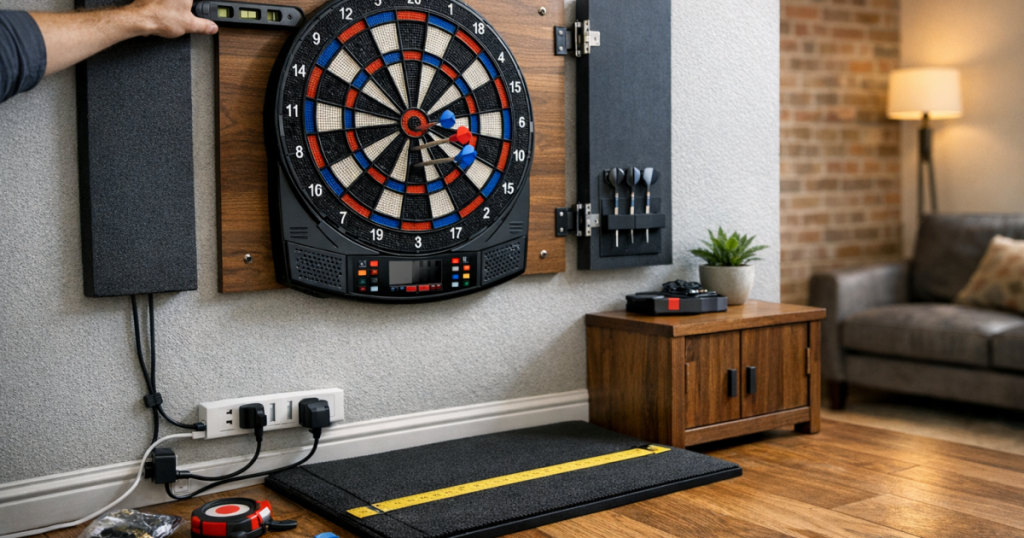
Most home electronic boards need power, whether from a mains adaptor or batteries, depending on the model. If yours uses a mains adaptor, the socket position matters as much as the board position. A lead dangling down the throwing side of the wall is a snag hazard, and a lead stretched across the floor is even worse.
Before you fix the board, plug it in temporarily and see where the cable naturally falls. The safest route is usually down the wall, clipped or managed neatly, then into a nearby socket without crossing the oche area. Do not run a loose extension lead under a mat where players twist their feet, and do not place cable joins where a chair leg or foot can press on them.
If the only available socket forces a lead across the room, choose a different wall or change the room layout. A neat board with a poor cable route is not a safe setup.
3. Mark the board position carefully
Read your board’s instructions before measuring. Electronic dartboards can vary in cabinet shape, hanging bracket position and recommended throw distance, so the safest approach is to follow the manufacturer’s mounting guidance rather than assume every board hangs like a traditional bristle board.
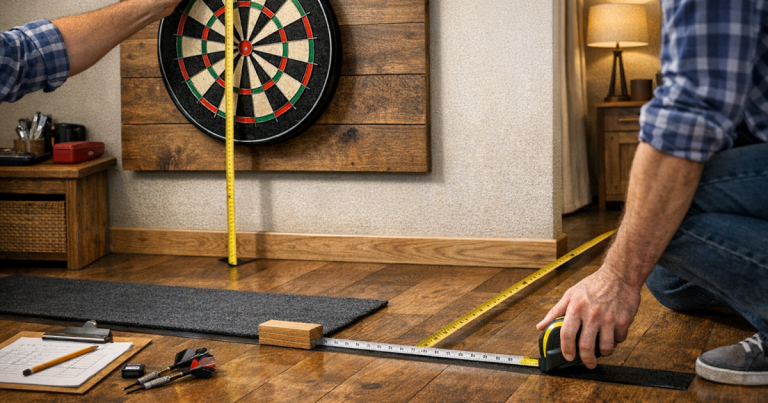
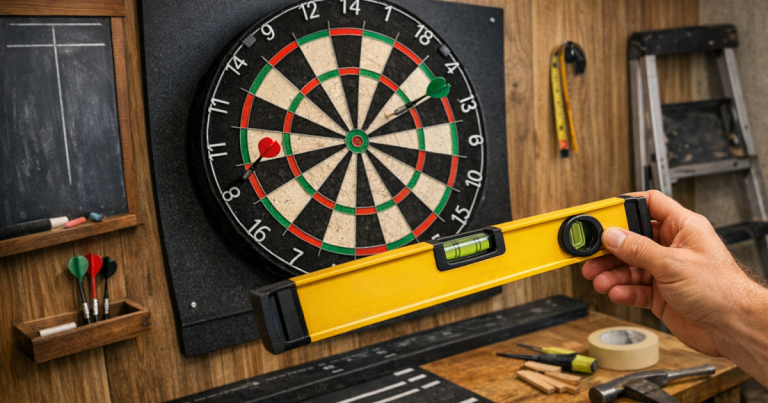
As a general reference, many darts setups place the bullseye 1.73 m above the floor. Measure from the finished floor surface where players will stand, not from a rug that might move or from an uneven garage floor at the wall. Use a tape measure and a spirit level, then mark the fixing points lightly in pencil.
Before drilling, check for hidden pipes and cables with a suitable detector. Drill slowly, use the correct wall plug or fixing, and make sure the board sits flat and secure. Once mounted, give the board a gentle stability check from the sides rather than pulling hard from the front.
4. Set the throw line from the board face
The throw line is one of the easiest parts to get slightly wrong. Measure from the face of the electronic board, not from the wall, because the board has depth. Many soft-tip formats use a throw distance of 2.44 m, but you should confirm the distance in your board’s manual or the rules you prefer to play.
Use a tape measure along the floor and keep it straight from the centre of the board to the centre of the throwing position. If the board projects from the wall, a plumb line or a vertical reference from the board face can help you start the floor measurement accurately.
For rented homes, laminate flooring, vinyl or tiles, avoid permanent tape that leaves residue or pulls at the surface. A low-profile oche mat, removable floor marker or carefully chosen tape can work well when fitted cleanly. For flooring-friendly ideas, see how to mark a throw line without damaging flooring.
5. Clear the throwing lane and bounce-out zone
A safe electronic board area needs a clear lane from the throw line to the board and some extra space to each side. Soft-tip darts are lighter than many steel-tip darts, but they can still bounce back sharply if they hit a segment edge, a previous dart, or a hard surround. Players should not be standing close to the board while another person is throwing.
Move coffee tables, stools, toy boxes, plant pots and storage baskets out of the lane. If the board is in a living room, make it obvious where spectators should sit. If it is in a garage, keep bikes, tools and shelving away from the line of throw. The goal is to remove anything that encourages someone to lean, step sideways or retrieve something while darts are in hand.
Room layout matters more than it first appears, especially in shared spaces. The tips in arranging furniture around a dartboard safely are useful if your board shares space with a sofa, TV unit or dining table.
6. Make the wall and floor forgiving
Even with an electronic board, missed darts and bounce-outs are part of normal play. A backing board, soft surround or cabinet can reduce marks around the scoring area. Check that any surround or cabinet does not block buttons, display areas or access to the power socket on your particular board.
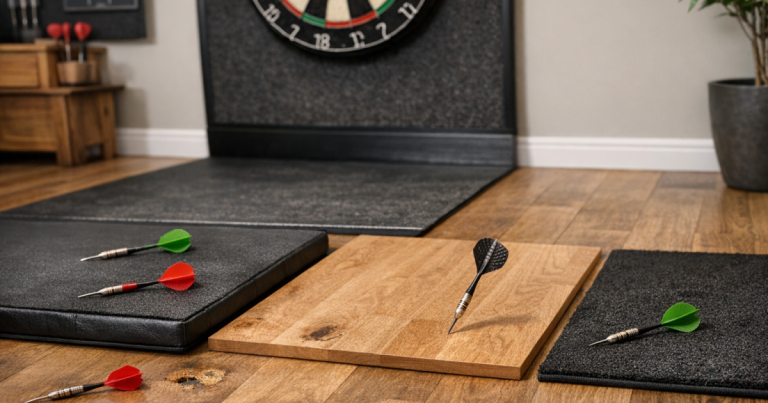
Think about the floor as well. Hard floors can cause soft-tip points to bend or snap when darts bounce out. A darts mat or rug can soften impact, give players a consistent stance and help define the throwing area. Keep it flat, with no curled corners, and make sure it does not slide when someone steps into position.
If children use the board, store spare tips, shafts and darts away from very young children when play is finished. Soft-tip darts are not as sharp as steel-tip darts, but they are still small pointed objects and should be treated as darts, not toys.
7. Test the board before regular play
Once the board is mounted and powered, run a simple test session. Switch it on, check the display or scoring response, and throw a few gentle darts from the measured line. Listen for rattling, movement or vibration that suggests the board is not sitting securely.
Check how darts behave when they miss, hit the outer edges or bounce out. If they regularly land near a cable, plug, window, picture frame or walkway, adjust the layout before calling the job finished. It is better to move a chair or reroute a cable now than work around a known problem for months.
Also check the lighting. Players should see the segments clearly without standing in their own shadow. Avoid placing a bright lamp or window directly behind the board if it causes glare on the scoring display.
8. Set simple house rules
Good setup is only half the safety picture. A few clear habits keep the board area safer, especially when friends, children or occasional players are involved.
- Only one player should stand at the throw line at a time.
- No one retrieves darts until all darts in the turn have been thrown.
- Players should carry darts point-down when walking back from the board.
- Do not throw if someone is near the board, crossing the room or picking something up.
- Switch the board off and tidy the darts away when the session ends.
These rules may sound basic, but they prevent the most common home setup problems: stepping into the lane, crowding the board, tripping over gear and leaving darts where they should not be.
Common mistakes to avoid
- Mounting too close to a door: a door opening into the playing area creates a predictable collision risk.
- Measuring from the skirting board: throw distance should be measured from the board face, not the wall or skirting.
- Leaving the cable loose: a trailing power lead can pull the adaptor, board or player off balance.
- Using the wrong fixings: a board that feels secure on day one can loosen if the wall fixing is not suited to the wall type.
- Ignoring bounce-outs: plan for darts to come back out, not just for perfect throws into the segments.
Helpful questions
Can an electronic dartboard go in a bedroom?
Yes, if there is enough clear throw distance, the board is not near a door or bed edge, and the power lead can be routed safely. Avoid tight rooms where someone must stand in a walkway to throw.
Do I need a surround for a soft-tip board?
Not always, but it is useful if the board is on a decorated wall or used by beginners. Check that the surround fits around your board without covering buttons, display areas or speakers.
Is a garage a good place for an electronic board?
It can be, provided the space is dry, well lit and free from trip hazards. Keep the board away from damp walls, stored tools, bikes and any route people use to reach the door.
How do I stop the board moving when darts hit it?
Use the correct fixings for the wall, make sure the board sits flat, and check any lower stabilising pads or cabinet points supplied with the board. Recheck the mount after the first few sessions.
Should children use soft-tip darts unsupervised?
No. Soft-tip darts are safer than steel-tip darts for many home setups, but children still need supervision, clear throwing rules and a tidy storage routine after play.
Key takeaways
A safe electronic darts area comes down to five things: a sensible wall, secure mounting, accurate measurements, clear floor space and tidy power routing. Take time to test the board from a real playing position before the first proper match, because small layout problems are much easier to fix before habits form.
If the board is stable, the cable is out of the way, the throw line is measured from the board face and the room has a clear no-walk zone, you will have a setup that feels comfortable for casual games and organised enough for regular practice.