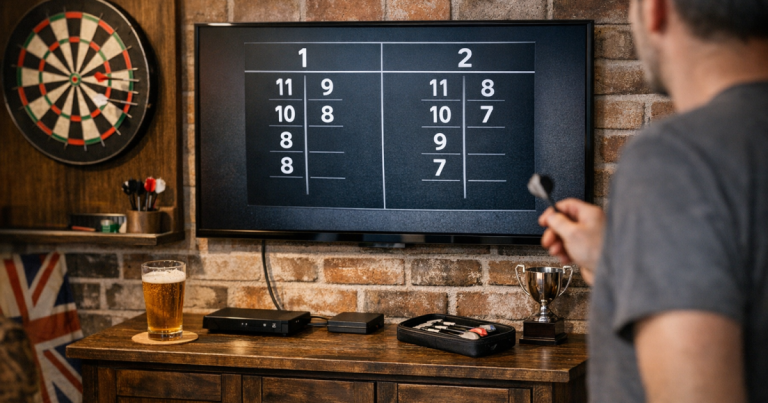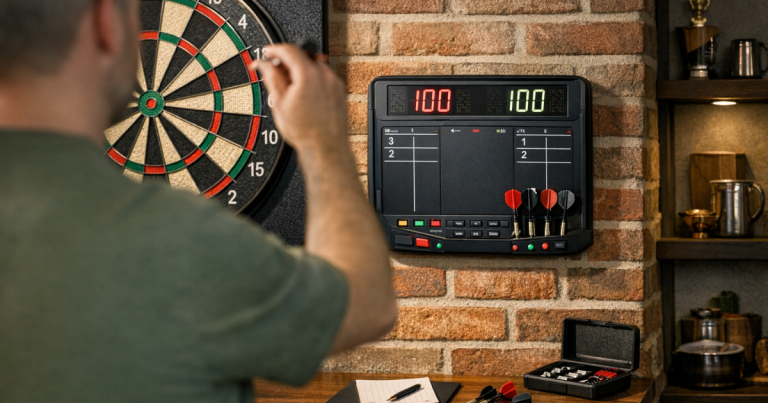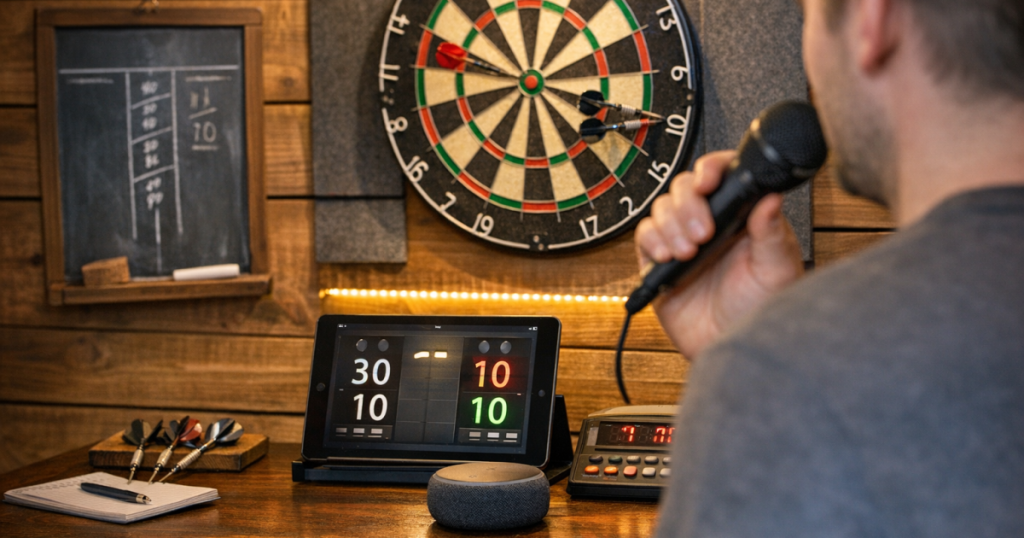
Calling scores aloud feels natural in darts, but typing every visit can interrupt the rhythm of a home match. A voice scoring darts setup can keep play moving, reduce arguments over totals, and make solo practice feel less like admin.
The key is not just choosing an app with speech input. You also need the device in the right place, clear scoring habits, a sensible backup, and a short test routine before you rely on it for a proper match.
The short version
For reliable spoken scoring at home, use a tablet or phone running a darts scoring app that supports speech input or voice-assisted entry, place it close enough to hear the scorer clearly, and keep commands short and consistent. Test it with the same room noise, lighting and player positions you use on match night.
- Put the device near the scorer, not right under the board where impacts and echoes can confuse speech pickup.
- Use one agreed format, such as saying the visit total rather than individual dart scores.
- Confirm corrections before the next player throws.
- Keep a manual scoring method ready for longer matches or noisy rooms.
- Run a quick warm-up test before guests arrive.
What voice scoring actually means
People use the phrase in two slightly different ways. Some scoring setups let you speak the score so the app enters it. Others mainly provide spoken announcements, checkout calls or referee-style audio while you still enter numbers by hand. Before changing your match routine, check which type your chosen app or device actually supports.
For home darts, the most useful version is usually spoken score entry. One player or a dedicated scorer calls the visit total, the app records it, and everyone can see the remaining score. This works best when the room is fairly quiet and the person speaking uses the same style each time.
If you already score on a tablet, voice entry is a natural upgrade rather than a completely new system. For a fuller device-based scoring setup, including screen position and general match use, see how to set up a tablet as a darts scoreboard.
Step 1: Decide who will speak the scores
The cleanest home setup has one scorer for each leg or match. That might be the non-throwing player, a third person watching, or the player after retrieving their darts. Switching between voices can work, but it gives speech recognition more accents, volumes and habits to interpret.
Agree the routine before the first leg. For example, the thrower collects darts, confirms the visit total, then the scorer says it clearly into the device. In casual games this sounds slightly formal at first, but it prevents the classic problem of someone muttering “twenty-six” while another person is talking over them.
Step 2: Choose the right place for the device
Place the phone or tablet where the speaker naturally faces it, usually to the side of the oche or on a small table near the scorer. A distance of around 1 metre is a good starting point in a typical spare room or garage setup, but the best position depends on room echo, background noise and how loudly people call.
Avoid putting the device directly beneath the board. Dart impacts, wall vibration and players stepping forward can all create noise at the worst moment. It is also more likely to be knocked when players collect darts.
The screen still needs to be visible. A side wall, shelf or small stand can work well, provided players do not need to walk across the throw line to check the score. If the scoring display is too far away, people will keep asking for totals, which defeats the point of hands-free scoring.
Step 3: Use short, repeatable commands
Voice entry works best when everyone keeps the language plain. Say the total for the visit, not a running commentary of every dart. “Sixty” is easier to handle than “twenty, twenty, twenty”. If your app requires a trigger word, use it exactly as shown in its instructions.
Before the match starts, agree how you will handle common situations:
- No score: use the same phrase every time, such as “no score” or “zero”, depending on what the app recognises.
- Bust visits: confirm whether the app expects “bust” or the previous score to remain unchanged.
- Missed darts: call only the actual visit total, not the intended target.
- Corrections: pause play, amend the score, then restart from the displayed total.
- Checkouts: make sure the final score has been entered correctly before darts are pulled from the board.
For home matches, consistency matters more than sounding like a TV caller. Clear, ordinary speech will usually beat dramatic announcements, especially in a room with hard floors or bare walls.
Step 4: Test it in your actual darts space
A scoring setup can behave perfectly when the room is quiet and then struggle when two mates are chatting, a washing machine is running nearby, or darts are landing in a lively board. Test it in the same conditions you expect to play in.
Play one short leg and deliberately include awkward scores: 26, 41, 85, 100, 140, no score and a bust. Watch for repeated misreads rather than one-off mistakes. If the same numbers keep going wrong, adjust your phrasing, move the device, or reduce background noise.
Lighting can indirectly affect scoring too. If players cannot see the board clearly, they hesitate, re-count, or call uncertain totals. A well-lit board keeps the scoring rhythm steady, so it is worth checking how to light a dartboard without glare or shadows if your room is dim or patchy.
Step 5: Keep a manual fallback ready
Even a good spoken setup should not be your only way to track a match. Home darts often happens in real rooms, not controlled studio spaces. People laugh, doors open, music plays, and speech input can occasionally pick up the wrong number.
A simple backup can be as low-tech as a chalkboard, whiteboard or paper scoresheet. You do not need to duplicate every visit if the app is behaving; just have a quick way to recover when something looks wrong. For longer nights, a tidy physical board can be a useful safety net, and keeping a chalk scoreboard neat during longer matches makes that fallback far less frustrating.
Example home match routines
Casual two-player game
The non-throwing player stands beside the scoring device. After each visit, they call the total once, check the screen, and say “right” or “correct” before the next thrower steps up. This is simple, quick and works well for relaxed best-of-three or best-of-five legs.
Solo practice
Place the device within easy speaking range but away from the dart path. Call each visit total after retrieving your darts, then check the remaining score as you return to the oche. This makes practice smoother than tapping the screen after every visit, especially when working on 501 routines.
Small group night
Nominate one scorer for each leg and keep everyone else away from the device while scores are being called. Group games create more chatter, so the scorer should pause conversation briefly, call the number, confirm the screen, then let the game continue.
Common problems and quick fixes
- The app keeps hearing the wrong number: move the device closer to the scorer and slow the call slightly without stretching words unnaturally.
- It picks up other people talking: agree a quiet moment for scoring, or have the scorer turn slightly towards the device.
- Scores are entered too late: make score entry part of the throw routine before darts are retrieved or immediately after, depending on what feels safest and clearest in your room.
- The screen is hard to read: increase text size if the app allows it, move the display nearer to eye line, or use a larger tablet.
- Corrections cause arguments: make the displayed score the reference point before the next player throws, then fix errors immediately.
Things readers ask
Can I use voice scoring in a noisy garage?
Yes, but test it first. Garages often have hard surfaces, echoes and background noise, so device placement and a clear scoring routine matter more than they do in a furnished spare room.
Should each player call their own score?
It can work, but one consistent scorer is usually more reliable. Different voices, volumes and phrasing increase the chance of misread entries.
Do I still need a visible scoreboard?
Yes. Voice input helps with entry, but players still need to see the remaining total, checkouts and corrections quickly during the leg.
What happens if the wrong score is entered?
Stop before the next throw, correct the entry, and confirm the displayed total aloud. Do not wait until later in the leg, when the mistake is harder to unwind.
Is spoken scoring worth it for casual home darts?
It is worth trying if manual tapping breaks your rhythm or if you play plenty of 501. For very relaxed games, a normal tablet or chalkboard may still be simpler.
Why it matters
Good scoring keeps a home match friendly. Voice entry is useful because it removes some of the fiddling, but it only feels smooth when the room, device position and player routine all support it. Start with a short test leg, keep the commands boringly consistent, and have a manual backup ready. Once the habit settles in, spoken scoring can make home 501 feel quicker, clearer and closer to a proper match-night rhythm.