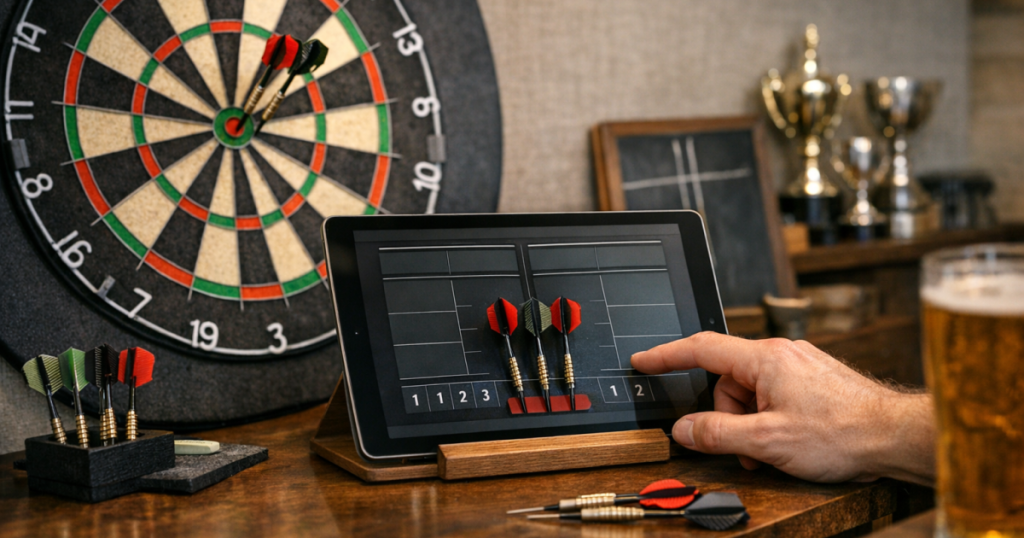
A tablet can make home match scoring easier to read, quicker to update and less messy than paper, especially when several people are rotating through legs. The aim is not to turn your throw line into a tech desk; it is to build a tablet darts scoreboard that stays visible, stable and out of the throwing lane.
The best setup depends on where people stand, how much wall space you have, whether you play casual legs or longer match formats, and how easily the scorer can reach the screen without interrupting the next throw.
The short version
- Use a tablet large enough to read from the oche without making the scoring area awkward.
- Place it beside the board rather than directly below the board or inside the throwing lane.
- Set brightness, text size and screen timeout before the first leg starts.
- Keep the charging lead, stand and any spare accessories away from foot traffic.
- Have a paper or chalk backup for longer sessions, guests, or app issues.
Step 1: Choose the right scoring spot
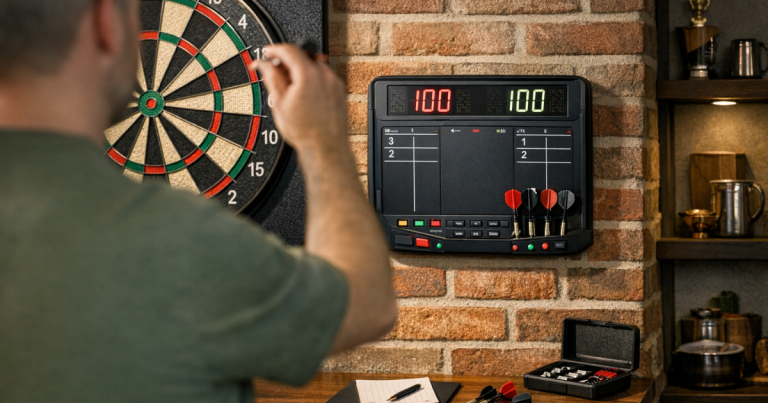
A good scoring position is readable, reachable and safe from stray darts. Most home setups work best with the tablet on the non-throwing side of the board, roughly level with the scorer’s natural eye line. It should be close enough for a quick tap after each visit, but not so close that a missed dart can hit the device.
Before fixing anything in place, stand at the oche and look towards the board as you normally would. The tablet should sit outside your main sightline so it does not pull your attention away from the target. Then stand where the scorer will be. They should be able to enter 26, 45, 60, 100, 140 or 180 without stepping across the thrower’s space.
If the board, mat and furniture are still being arranged, sort the basics first. Accurate board height and oche distance matter more than the scoring screen, so check your measurements against a clear guide to dartboard height and throwing distance before deciding the final tablet position.
Step 2: Decide whether to mount it or use a stand
You do not need a permanent installation to score well. A simple tablet stand on a side table can be enough for casual games, while a wall-mounted holder suits a dedicated darts corner. The important point is stability: the tablet should not wobble every time someone taps in a score.
Freestanding setup
A freestanding tablet setup is easiest if your darts area doubles as a living room, garage workspace or spare room. Use a small side table, shelf or sturdy stand placed outside the walking route. This makes it easy to put the tablet away after play and avoids extra holes in the wall.
- Keep the stand heavy enough that it will not tip when tapped.
- Avoid low coffee tables, as scorers will need to bend down repeatedly.
- Do not place drinks next to the screen during games.
- Leave space for a notepad, spare flights or a checkout card if you use them.
Wall-mounted setup
A wall-mounted holder looks tidier and keeps the scoring position consistent. It is most useful in a permanent darts corner, garage setup or games room. Choose a position that lets the tablet be removed easily, because you will still want to charge it, update apps, or use the tablet elsewhere.
If you rent, share the room, or want to avoid marks, use removable furniture and stands rather than permanent fixings. The tablet should support the setup, not create a decorating job.
Step 3: Make the screen readable from real playing positions
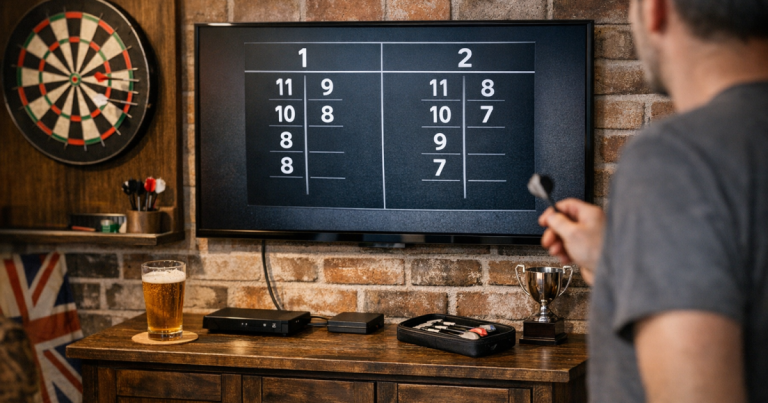
Do not judge visibility from directly in front of the tablet. Test it from the oche, from the side where a scorer will stand, and from a seated position if friends usually watch from a sofa or garage chair. Darts scoring moves quickly, so players need to see the remaining score without crowding the scorer.
Increase the text size inside the scoring app where possible. If the app allows different display themes, choose a high-contrast layout with large numbers. A dark background can reduce glare in some rooms, while a light background may be easier in a dim garage. The right choice is the one that remains readable during your normal playing conditions.
Brightness also matters. Too dim and the score becomes a squinting exercise; too bright and it can feel distracting next to the board. Set it during the time of day you usually play, because a tablet that looks fine at midday may be too reflective under evening lighting.
Step 4: Pick a scoring app that matches how you play
Most players only need a simple app that handles x01 games cleanly. If you play 501 with legs and sets, check that the app makes that format easy rather than burying it in menus. If your group plays cricket, round the clock, killer, practice routines or handicap games, verify those modes before relying on the tablet for match night.
Useful features to check include:
- Large score display for both players or teams.
- Quick correction or undo for mistyped visits.
- Checkout suggestions that can be switched on or off.
- Legs, sets and match history that are easy to reset.
- Guest player names for casual evenings.
- Offline scoring if your darts area has weak Wi-Fi.
Avoid building the whole setup around a feature you have not tested. Run one short practice match before a longer session, including a deliberate mistake, a missed checkout and a leg reset. That tells you whether the app suits your group’s pace.
Step 5: Keep tapping simple during a leg
The best tablet scoring setup feels almost invisible. A visit is thrown, the scorer taps the score, everyone sees the remaining total, and the next player steps up. If scoring takes too many taps, the rhythm suffers.
For casual home games, agree the scoring method before the first dart. Some groups prefer entering the three-dart visit total. Others like entering each dart, especially when practising checkouts. Visit totals are usually faster for social play, while dart-by-dart entry gives more detail for practice.
Think about who is doing the scoring too. If the thrower scores their own visit, the tablet needs to be reachable after they retrieve their darts without crossing in front of another player. If a separate scorer is standing beside the board, the tablet can sit further from the throw line. For more detail on sightlines and scorer comfort, the principles in scoreboard placement apply just as much to a screen as to a traditional board.
Step 6: Deal with power without creating clutter
A tablet can last through plenty of casual darts, but longer evenings are easier if charging is planned. The simplest approach is to start with a charged tablet and keep the lead nearby, rather than leaving a cable trailing across the floor throughout the match.
If you do need to plug in during play, route the cable along the wall or behind furniture so nobody steps over it near the oche. Avoid dangling leads around the board area, and keep any plug or extension away from where darts, shoes or chairs might catch it. In a garage, make sure the tablet and accessories stay dry and away from dusty work surfaces.
Step 7: Build in a backup scoring method
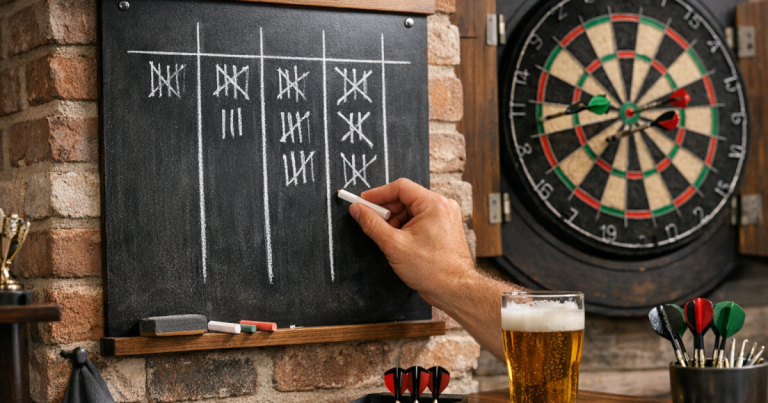
Even a tidy digital setup benefits from a simple backup. A paper pad, small whiteboard or chalkboard keeps the match moving if the tablet is borrowed, flat, updating, or being used for music. This is especially useful when guests are over and nobody wants to pause a good leg to troubleshoot a screen.
A chalk scoreboard also works well as a secondary display for match format, names or running notes. If you prefer that hybrid approach, it is worth keeping the writing area tidy; the same habits used to keep a chalk scoreboard neat can stop longer sessions becoming a smudged mess.
Common home setup examples
Living room board
Use a tablet on a stable side table or shelf, set back from the board and away from the main walkway. This keeps the room flexible and avoids making the darts corner feel permanent when the board is not in use.
Garage darts area
A wall-mounted holder or dedicated shelf can work well in a garage because the setup is less likely to be moved. Check glare from overhead lights and keep the tablet away from tools, dust and damp patches. A backup notepad is handy if the Wi-Fi signal is weak.
League practice at home
Set the app to the same match style you normally play, then keep the tablet in one consistent scoring position. This helps your practice rhythm feel closer to a proper match, where scoring is quick, visible and routine.
Small details that make it feel polished
- Set the screen timeout long enough that it does not lock between visits.
- Turn off distracting notifications before the match starts.
- Clean the screen so fingerprints do not blur the numbers under bright light.
- Use landscape mode if it gives larger scores and better spacing.
- Keep spare flights, shafts and points somewhere separate so the scoring area does not become a dumping ground.
- Agree whether checkout help is allowed during competitive practice.
These are small adjustments, but they make a big difference once several people are playing. The scoring area should support the match, not become a second centre of attention.
Things readers ask
Can a tablet darts scoreboard replace a chalkboard completely?
Yes, for many home players. A chalkboard or paper pad is still useful as a backup, particularly during longer evenings, guest games or practice sessions where you want quick notes.
Should the tablet go on the same wall as the dartboard?
Usually, yes, but not directly under the board. Place it to one side where it is readable and reachable without putting the scorer in the throwing lane.
Is a phone good enough instead of a tablet?
A phone can work for solo practice, but a tablet is easier for other players to read from a distance. For groups, the larger screen is usually worth it.
Do I need Wi-Fi for tablet scoring?
Not always. Some scoring apps can be used without a live connection, but you should test this before relying on it in a garage or outbuilding with weaker signal.
What is the most common setup mistake?
Putting the tablet where it is convenient to mount rather than where it is convenient to score. Test visibility, reach and foot traffic before settling on the final spot.
In brief
A tablet works brilliantly as a darts scoreboard when it is treated as part of the room layout, not just another screen. Put it outside the throwing lane, make the numbers readable, keep the tapping process quick, and have a simple backup ready. Once those basics are sorted, scoring becomes smoother, cleaner and easier for everyone at the board.