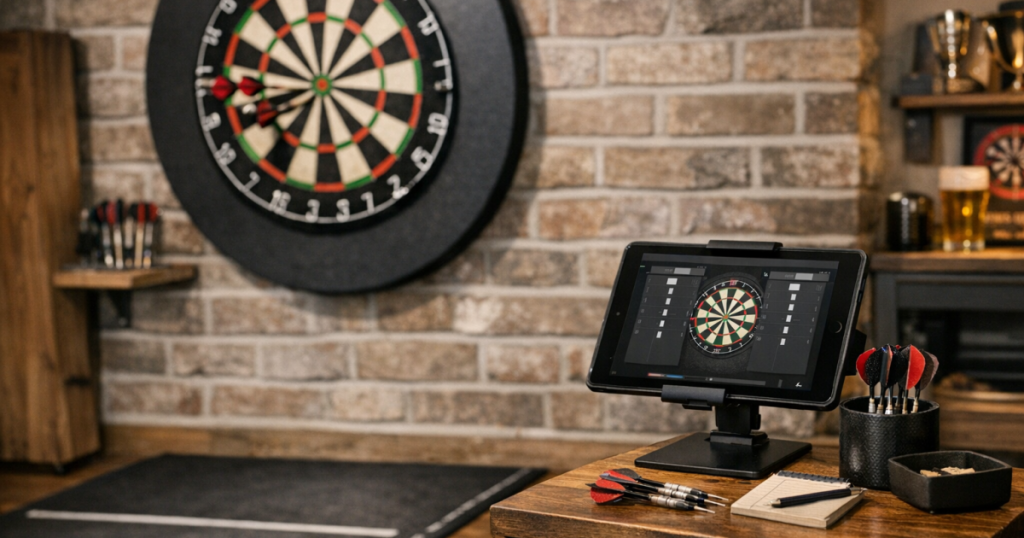
A tablet scoring station can make home darts feel tidier, quicker and more social, but only if it sits in the right place. The aim is simple: scores should be easy to enter, easy to read, and safely away from both stray darts and foot traffic.
Start by thinking of the tablet as part of the room layout, not just a gadget. Its position affects throwing flow, furniture clearance, charging, lighting and how naturally players move between visits.
The short version
- Place the tablet outside the dartboard’s direct line and away from likely bounce-out paths.
- Keep it close enough for score entry, but not where players must step across the oche after every throw.
- Use a stable stand, shelf or side table rather than balancing the device on soft furniture.
- Angle the screen so both players can check scores without standing in the throwing lane.
- Control charging cables so they do not cross walkways or the mat zone.
- Test the setup with a full leg, not just a quick glance from the oche.
Step 1: choose a safe side of the board
The safest scoring position is usually to one side of the dartboard area, slightly forward of the thrower’s waiting position and well away from the board face. Avoid placing the tablet directly below the board, on a cabinet ledge, or on a small table tight against the wall under the scoring area. Bounce-outs and missed darts can travel lower and wider than expected.
If you are still deciding where the whole board should go, sort that first. A tablet setup will not fix a poor board location. For a broader room-planning check, use this guide on choosing the safest wall for a dartboard before committing to the scoring corner.
In a typical living room or spare room, the easiest arrangement is often: dartboard on the main wall, oche or mat running straight out, players waiting off to one side, and the tablet on that same waiting side. This keeps score entry natural without asking anyone to cross behind the thrower too often.
Step 2: set the tablet at a comfortable height
A good scoring height is one you can tap without bending, reaching awkwardly or blocking the next player’s view. For many adults, a side table, narrow stand or wall-adjacent shelf around waist to chest height works well. The exact height matters less than repeatable comfort over a full evening of play.
Avoid low coffee tables if they make players stoop after every visit. It slows the rhythm and increases the chance of knocking drinks, darts or the device itself. A high bar table can work, but only if it is stable and not in the throwing path.
Quick height test
- Stand where you will normally enter scores.
- Hold your darts in your non-scoring hand, as you would during a real turn.
- Tap a few sample scores without leaning your body into the walkway.
- Check whether the next player can still see the screen from the waiting area.
- Move the stand if score entry feels like a separate chore rather than part of the game.
Step 3: keep the screen readable from the right places
The screen does not need to be visible from every seat in the room. It needs to be readable from the oche, the waiting spot and the score-entry position. Those are the three views that matter most during a normal leg.
Angle is usually more important than brightness. If the tablet sits flat on a table, overhead light may reflect straight back at the players. A simple adjustable stand lets you tilt the device towards the room rather than the ceiling. Matte screen protectors can help with glare, but test the angle first before adding accessories.
Set the display so the largest score fields are visible without squinting. If your scoring app or browser scorer has a landscape mode, try both portrait and landscape before deciding. Portrait often suits narrow stands; landscape can be easier for two players reading from different angles. Do not assume the first orientation is the best one.
Step 4: plan around the mat, furniture and walking route
The tablet should not compete with the oche, sofa, chairs, door swing or coffee table. In small UK living rooms, the scoring station often ends up where people naturally walk, which is exactly where it gets knocked.
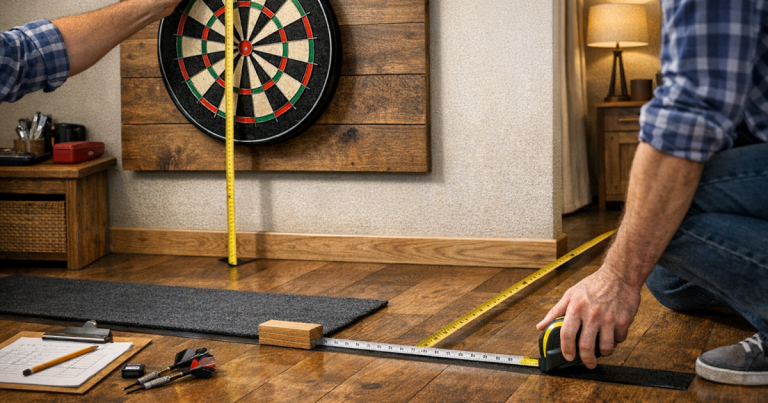
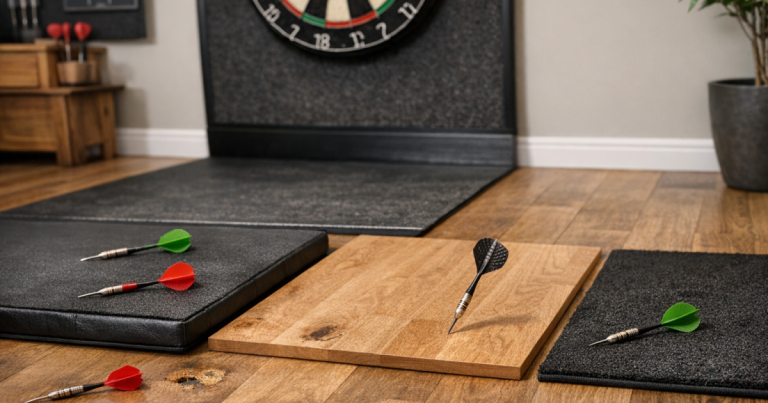
Mark out the throwing line and the player movement route before placing the stand permanently. If you use a roll-out mat, let the mat dictate the safe corridor first, then fit the tablet beside it. The screen should be easy to reach after collecting darts, but it should not tempt players to step across the mat while someone else is preparing to throw.
For tighter rooms, it is worth checking the setup against everyday furniture, not just darts measurements. The guide to planning a darts mat zone around furniture is a useful next step if your tablet, mat and seating all seem to want the same bit of floor.
Step 5: sort charging without creating a trip hazard
A scoring tablet does not need a complicated power arrangement, but it does need a sensible one. Charge the device before play where possible. If you need it plugged in during longer sessions, keep the cable tight to the wall or furniture edge rather than trailing across the route between the board and the oche.
Use cable clips, a short lead, or a nearby socket-side stand to keep the floor clear. Avoid running a charging cable under a loose mat edge, as it can create a raised strip that players feel underfoot. If the nearest socket forces a cable across the room, move the scoring position rather than accepting the trip risk.
Also think about drinks. A tablet beside a pint glass, mug or water bottle is asking for trouble during casual games. Give the device its own dry surface and keep refreshments on a separate table or shelf.
Step 6: choose scoring settings that match how you play
Most home players want quick entry for 501, legs and sets, plus a clear display of remaining score. If you play doubles practice, around-the-board routines or cricket, check that the scoring method is simple enough for everyone who uses the board. The best setup is not the one with the most features; it is the one your group can use without stopping every visit to explain it.
Before a league-style practice night, create any player names or preferred match formats in advance. For family games, keep a guest profile or simple manual entry option ready. If visitors use the tablet, lock the orientation and turn off distracting notifications so the scoring screen stays put.
Cricket can be especially awkward if the scoring display is cramped or unfamiliar. If your group switches between digital scoring and a physical board, this explainer on how to score cricket darts on a home scoreboard helps keep the marks and closing rules clear.
Step 7: protect the tablet during real play
Once the tablet scoring station is in use, watch what happens during an actual game. Players turn, step back, celebrate, collect darts and sometimes forget where the stand is. A position that looks neat in an empty room may be too exposed once two or three people are moving around.
A robust case is worth using, even for an older household tablet. A raised edge around the screen gives some protection if it is knocked onto a soft surface, while a folding case can double as a stand for casual sessions. For a more permanent setup, a weighted tablet stand is usually steadier than a lightweight folding one, provided it does not wobble when tapped.
Do not place spare darts, flights, stems and point tools loose beside the device. They make the scoring area cluttered and increase the chance of scratching the screen or case. Keep darts accessories in a case or small tray away from the tapping area.
Step 8: run a full-game shakedown
Do a proper test before deciding the layout is finished. Play at least one complete leg with normal movement: throwing, entering scores, collecting darts, swapping players and sitting down between visits if that is how your room works.
Use this final check
- Can the thrower see the score without leaving the oche?
- Can the scorer enter numbers without standing in the throwing lane?
- Does the tablet stay steady when tapped quickly?
- Are cables clear of feet, mat edges and chair legs?
- Is there any glare from ceiling lights, lamps or windows?
- Can guests understand the scoring screen within a few visits?
- Is the device far enough from bounce-outs, missed darts and drinks?
If any answer is no, adjust the station before adding more accessories. Small changes of 20 cm or a different screen angle can make a bigger difference than buying extra kit.
Common questions
Should the tablet go on the left or right of the dartboard?
Put it on the side where players naturally wait and enter scores without crossing the throwing lane. In most rooms, that matters more than whether players are right- or left-handed.
Can I mount the tablet on the wall?
You can, provided it is outside the likely dart path and easy to tap. For rented homes, a freestanding stand or shelf is usually simpler than making holes in the wall.
Is a phone good enough instead of a tablet?
A phone works for solo practice, but a tablet is easier for two players to read from the oche and waiting area. The larger screen also reduces score-entry mistakes.
Where should guests stand while scores are entered?
Keep guests to the side or behind the active player, not between the oche and board. The scoring position should support that flow rather than pulling people into the lane.
Do I need Wi-Fi for tablet scoring?
Not always. Some scoring tools work offline, while others need an internet connection. Check this before match night, especially if your darts area is in a garage, shed or room with weak signal.
Main lessons
A good darts scoring setup is mostly about positioning, not technology. Keep the screen visible, the device stable, the cables controlled and the tapping point out of the throwing lane. Once the tablet, mat, furniture and player movement all work together, scoring becomes part of the rhythm rather than an interruption.